

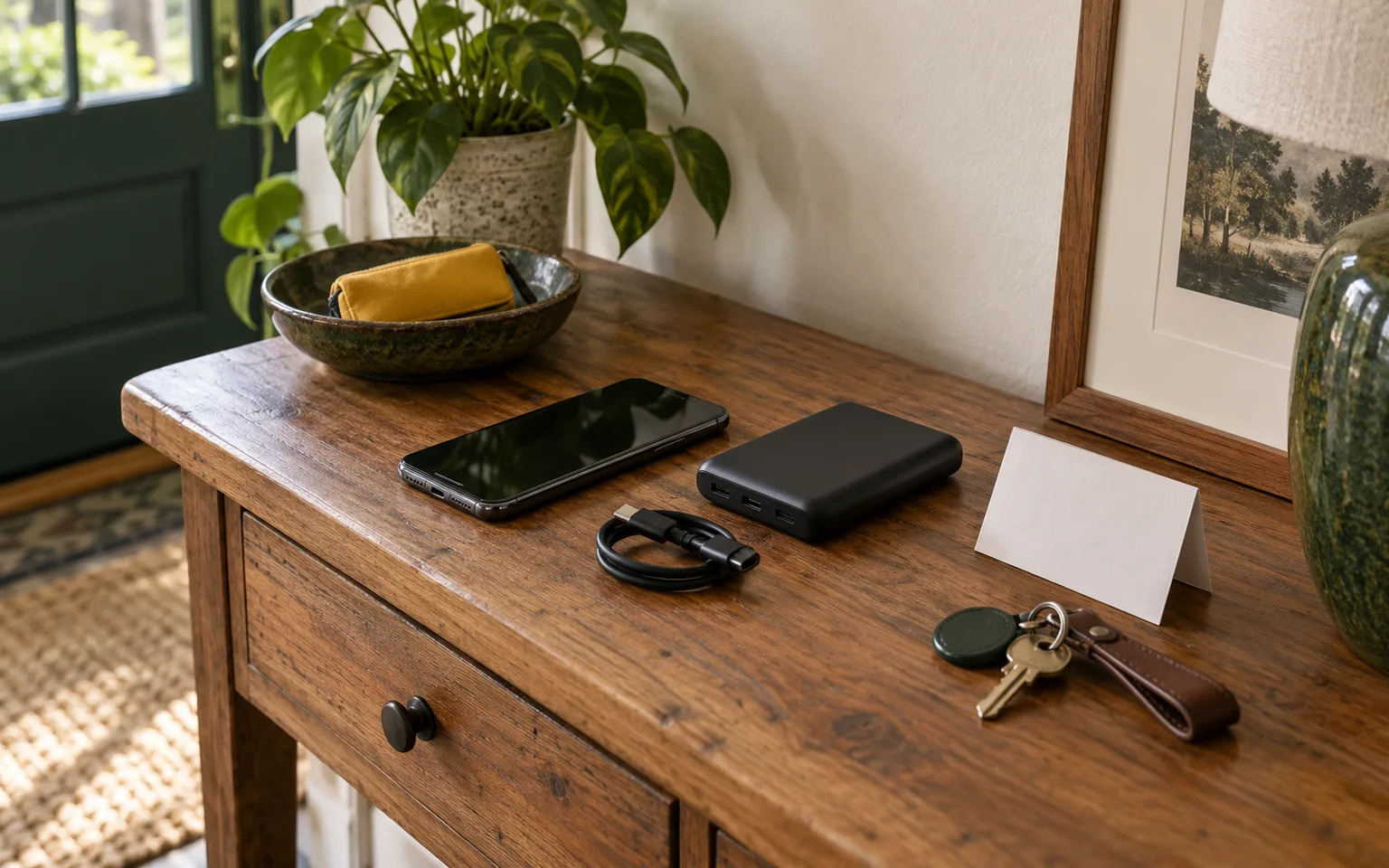
Choose a backup battery by the communication job it must support, the exact devices and cables involved, and the conditions where it will be charged and stored. A bank can recharge a compatible phone or other device, but it does not create cellular service, preserve an alert, or promise a set number of charges. Record the model details, test the phone and cable together, and keep paper contacts and another way to receive official information beside the battery.
Start with the communication task
Write down what must still be possible when household power is unavailable. The answer may be one phone call, several people receiving alerts, a radio, a message about medication, or communication with equipment suppliers and caregivers. Count the people, devices, cables and connectors before comparing capacity. A battery that works well for one phone may be awkward when three people need access or when one device has a different charging port.
FEMA's Emergency Supply Kit Checklist lists an extra phone battery or charger, a battery or hand-crank radio, and extra batteries as possible kit items. Those items serve different jobs. A power bank supports a compatible device, while a radio and a paper contact plan provide other ways to receive or share information when a phone, charger, network or person is unavailable.
Set the order of use before an outage. Official alerts, emergency calls, medication or equipment communication, and messages to the household usually take precedence over entertainment and convenience charging. Keep the plan with the bank or in the same accessible location. For the wider charging sequence, see charging phones when power is unavailable.
Compare capacity without treating one number as a promise
Manufacturers may list capacity in milliamp-hours, or mAh, and sometimes in watt-hours. These figures describe stored energy under specified conditions. They are not a direct promise of energy delivered to your phone. Conversion losses, the phone's own charging limits, the cable, the charging protocol, temperature, signal strength and phone use all affect the result.
Record the exact model number and copy the capacity wording from its manual or label. If watt-hours are supplied, record that value and its stated conditions. Do not compare a cell-capacity number from one bank with a delivered-output claim from another as though they describe the same measurement. Anker's Power Bank 10K 22.5W User Guide is a useful example of a model specification that separates cell capacity, input, output and total-output limits.
The physical size and weight matter in a small home or a shared emergency kit. A larger bank may hold more stored energy, but it can take more space and be harder for some household members to carry. A compact bank may fit a bedside drawer or a grab-and-go pouch, yet provide fewer connection options. Let the communication task and the person using it set the priority.
Read the ports, cables and output behavior
List the bank's input port, charging rate, output ports and output rates. USB-C and USB-A do not describe every feature of a connection. Fast-charging protocols, cable quality and the phone's own limits can change whether charging begins and how quickly it proceeds. A connector that fits physically may still be unsuitable for the exact charging requirement.
Keep the intended cable with the bank and label it when several cables look alike. Test the exact phone, cable and bank before an outage. Check that the phone recognizes the bank, that charging continues without repeated disconnections, and that each person who may use it can connect the cable without forcing the port. Keep a compatible spare cable only when the bank and device instructions support it.
If the bank has more than one output, do not add the printed port ratings to predict what will happen when several devices are connected. The total output may be shared or reduced. Read the exact manual for simultaneous charging behavior and record that detail in the household worksheet. A bank may charge one phone at its stated rate while providing a lower rate to two devices together.
Compatibility also matters for devices other than phones. A radio, tablet or communication accessory may have a different connector, power requirement or charging protocol. A medical communication device needs its own manufacturer or equipment-supplier guidance. Do not substitute a general phone-charging assumption for the exact instructions of a device that affects health or access.
Treat the indicator and runtime as conditional
A row of lights, a screen percentage or a low-battery warning helps you decide when to recharge the bank. It is not a measured promise of phone runtime. The phone's age and battery condition, signal strength, temperature, cable losses and whether the phone is being used while charging can change the result.
Test the combination you plan to rely on. Note the phone model, cable, bank model, starting charge and the task being performed. Treat any runtime estimate as conditional on that combination, then repeat the test after replacing a cable, changing a phone or moving the bank into a hotter or colder storage location. Avoid turning one successful test into a guarantee for every household member.
The bank cannot restore a cellular network or make an emergency alert arrive. A charged phone may still lose service, become congested or fail for a reason outside the battery. Keep a paper contact sheet and a radio or other official information source that fits the household plan. The offline household kit can help place paper contacts and other non-network backups with the charging equipment.
Charge it in a suitable place
Charge the bank with the compatible charger and cable specified by the manufacturer. Use a cool, dry, ventilated location, and keep the bank off soft surfaces while charging. Anker's Power Bank Safety Guide gives a 32°F to 95°F (0°C to 35°C) operating and storage range for its power banks and advises avoiding high heat, direct sunlight and high humidity. That range belongs to the models covered by that guide. Use the exact limits for your bank.
Do not leave the bank in a hot vehicle or bury it under clothing and supplies where it cannot be inspected. Keep it away from water, heat sources and overloaded outlets. Before planned severe weather or a known outage, charge it while you can watch the condition of the device, then put it where the intended user can reach it.
Stop using a bank that is swollen, leaking, damaged, unusually hot, smoking or giving off an unusual odor. Move people away from immediate danger and contact emergency services for a fire. Do not puncture, open, modify or improvise a repair. The US Fire Administration's lithium-ion battery safety handout advises using the manufacturer's charger, avoiding overloaded outlets, watching for damage or overheating, and using an appropriate local collection option for lithium-ion batteries. Do not put a lithium battery in ordinary trash.
Store it where the household can use it
Give the bank a named place that is dry, within its model-specific temperature limits and easy to inspect. Keep the cable with it and label the connector when the household has several types. If one person usually handles charging, write down enough information for someone else to identify the bank, cable and compatible devices.
The storage location should fit the people who may need the device. A high shelf can protect a bank from a toddler but may be unreachable for a person who needs it during an outage. A drawer can be convenient, but do not pack the bank beneath items that hide swelling or damage. Leave room to see the housing, ports and indicator.
The household's larger power-outage plan can place the bank beside alerts, lighting, medical needs and emergency contacts. A power bank is one part of that plan. If someone relies on electrically powered medical equipment or a communication device, ask the clinician, manufacturer or equipment supplier about the exact backup arrangement before an outage. A phone bank does not replace that plan.
Check the exact model and recall status
Record the brand, model number, serial information if supplied, purchase date, charger and cable. Check the manufacturer's current notices and the Consumer Product Safety Commission's battery information and recall resources for the exact model. Power-bank hazards can arise during use, storage or charging, and a similar product name does not identify the same unit.
If a recall applies, follow the stated remedy and do not keep using the affected bank while you decide what to do. Keep the notice with the household record. When a bank reaches the end of its service life or is damaged, follow the manufacturer's and local collection instructions. Do not open it, remove cells or place it in household trash.
Use a product-comparison worksheet
A worksheet lets you compare exact models without reducing the choice to a single capacity number. Fill it out from the label, manual and a hands-on compatibility test.
| Question | What to record | Why it matters |
|---|---|---|
| What communication task comes first? | Alerts, calls, messages, radio, equipment contact, or several tasks | The task sets the priority and the number of devices that need access. |
| Which devices must connect? | Phone model, radio or accessory model, and each connector | Physical fit does not prove charging compatibility. |
| How is energy described? | mAh, watt-hours if supplied, and the exact wording and conditions | Capacity terms may describe different measurements. |
| Which ports are available? | Input, output, charging rates, USB-C or USB-A, and cable type | Ports and protocols affect whether the device charges and at what rate. |
| What happens with several devices? | Simultaneous charging rules and shared or reduced output | Port ratings cannot be added without the model's total-output rules. |
| How will you read remaining charge? | Lights, screen, low-battery behavior and recharge method | An indicator helps with timing but does not promise runtime. |
| Where will it be charged and stored? | Place, temperature limits, ventilation, access and inspection space | Heat, moisture, soft surfaces and hidden damage change the safety decision. |
| What happens if it fails? | Paper contacts, radio, second compatible cable or another approved option | Communication should not depend on one battery. |
| What is the current status? | Model number, warranty, manufacturer notice and CPSC recall result | A recall or damaged housing changes whether the bank belongs in the plan. |
Keep a copy with the bank and another with the household plan. Update it when a phone, cable, charger or storage location changes. A simple record helps someone choose the right port and protect the bank when the usual owner is away.
Coordinate battery power with lighting
If rechargeable lights share USB power with phones, count that demand in the communication plan. A light may need a different cable or may reduce the bank's available output for a phone. The flashlight and headlamp comparison can help you assign lighting tasks, battery types and storage places without assuming that one bank will run every device.
Choose the order of shared charging in advance. Alerts and emergency communication may come before a room light used for convenience, while a light needed to move safely may take priority over entertainment. The correct order depends on the household task, the people involved and any official direction during the outage.
Frequently asked questions
These answers address common decisions that remain after the model and household task are written down.
How many times will a power bank charge my phone?
There is no fixed number that applies to every bank and phone. Test the exact combination and treat any estimate as conditional on the phone, cable, charging protocol, temperature, signal and use while charging.
Is USB-C enough to prove that a bank will work with my phone?
No. The port, cable, charging protocol and the phone's own limits all affect compatibility. Connect the exact phone and cable before an outage and follow the bank and phone instructions.
Can I charge several devices at once?
Only within the model's simultaneous-charging rules. The total output may be shared or reduced, so read the manual instead of adding the ratings printed beside each port.
Is a battery indicator a measure of remaining phone time?
No. An indicator shows the bank's approximate state according to its design, but it does not account for the phone's battery condition, signal, temperature, cable losses or active use. Use it to plan a recharge, then rely on a test of the exact combination.
What should I do with a swollen or hot bank?
Stop using it and keep people away from immediate danger. Do not open, puncture, repair or put it in ordinary trash. Follow the manufacturer's instructions and local collection guidance, and contact emergency services for a fire.
Make the next check
Choose the communication task and the exact phone or devices first. Fill out the worksheet, connect the intended cable, and test the bank under the conditions you expect to use. Then charge and store it within the model's instructions, record its recall status, and place paper contacts and another information source nearby. This leaves the household with a matched battery choice and a communication plan that does not depend on a single charge, cable or network.